Enrich inventory with the competitor price
Run the price-update pipeline and interpret one before-and-after row and the complete output scope.
Question for this chapter
What does the pipeline change in an inventory row, and what does it preserve?
Why this matters now
The dashboard reads price-adjustment candidates from the enriched output. Without verifying the run, an old competitor price could be mistaken for a current observation.
Try it
Open Competitor Price Update under Pipelines and inspect the four connected nodes.
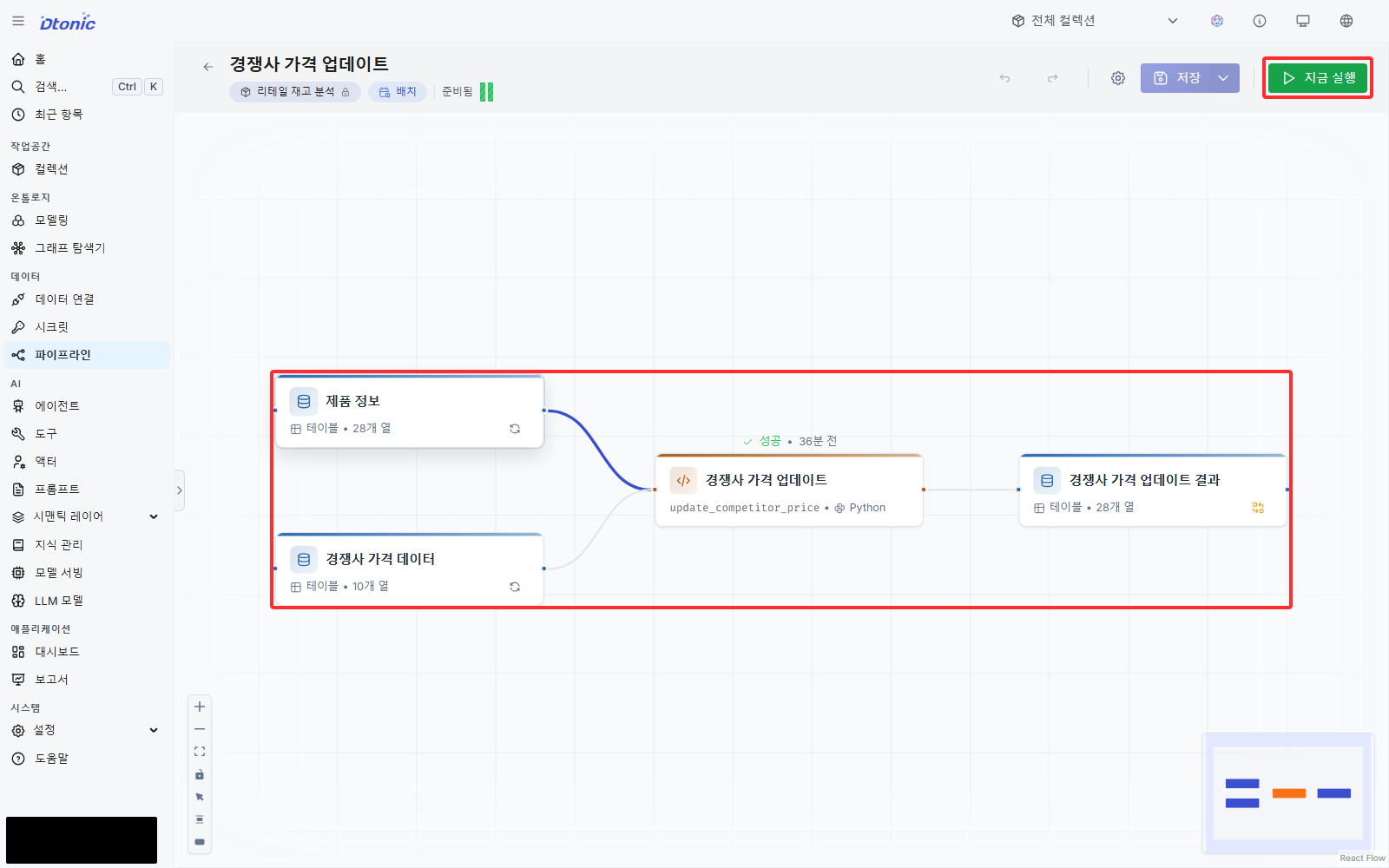
Select the code node. It left-joins the two inputs on item_code and changes only
competitor_price_krw_synth where an observation exists.
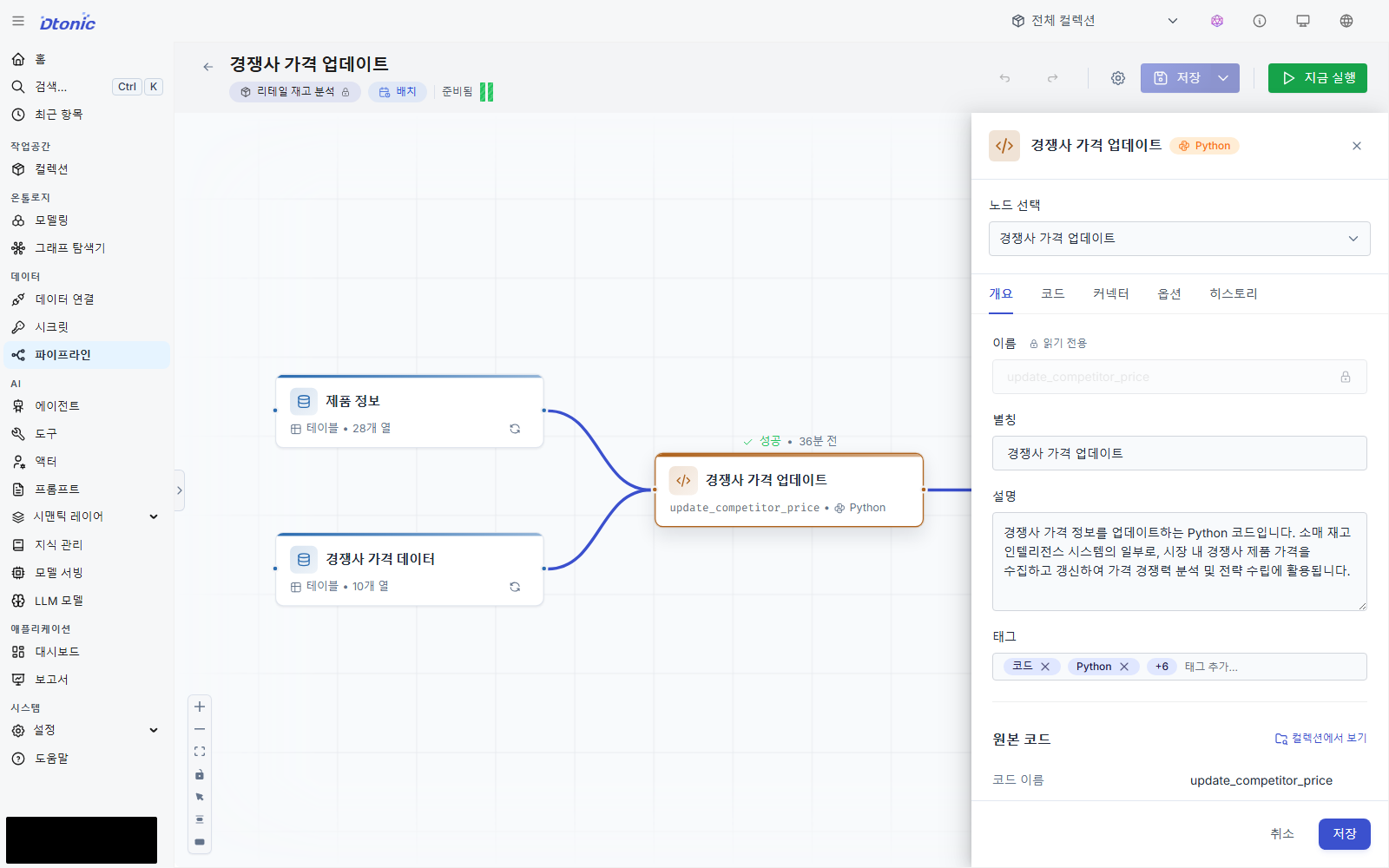
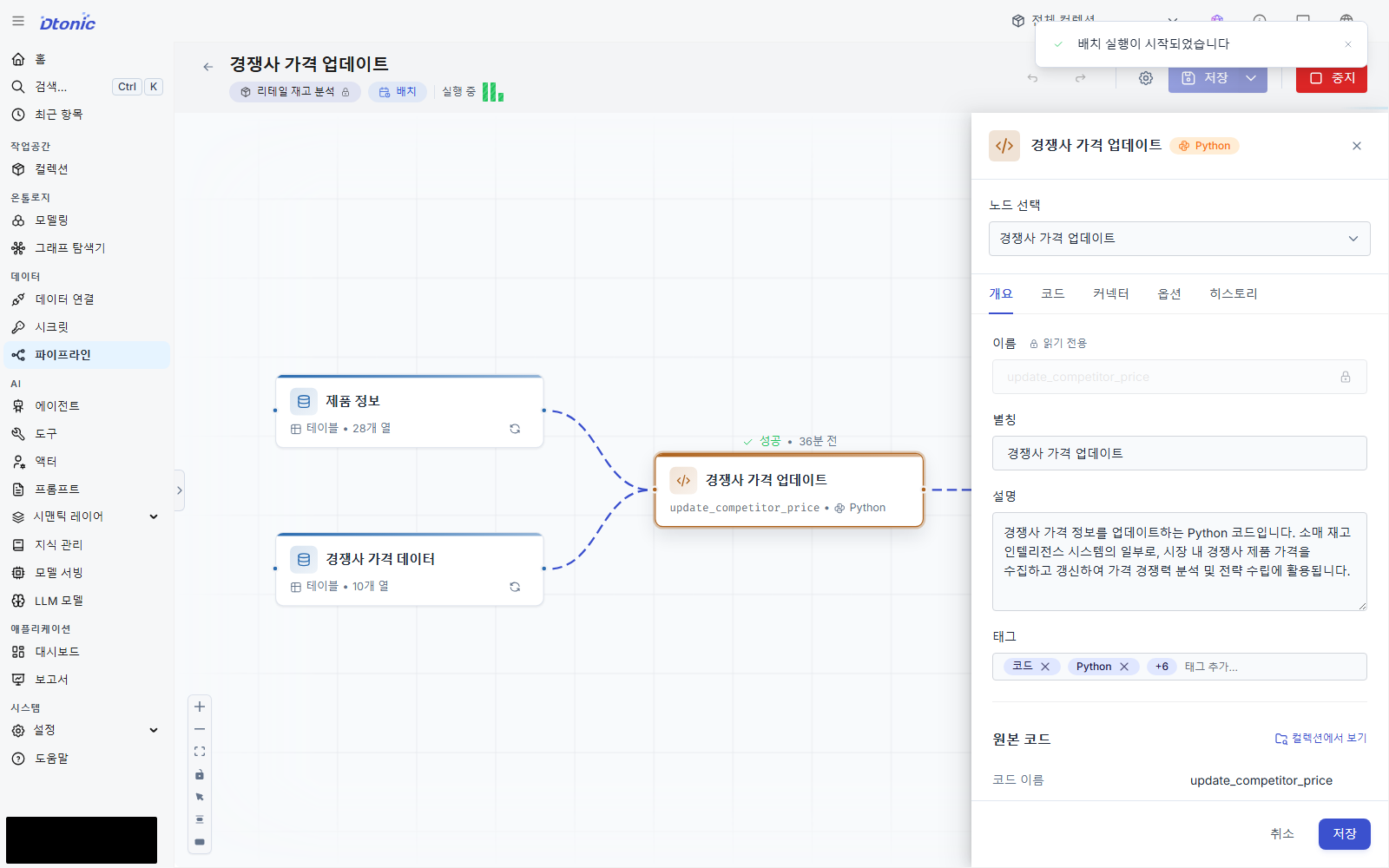
Select Run now in the upper-right. When the run completes, open Data and Version history in Competitor Price Update Result.
Success looks like this
- Output rows: 46,700
- Rows whose competitor price changes in the current seed: 46,444
- Rows whose value stays the same: 256
- Output mode:
overwrite
| Field | Before | After | Interpretation |
|---|---|---|---|
item_code | 7224000894 | 7224000894 | Same product |
branch_name | Gangnam Finance Branch | Gangnam Finance Branch | Branch preserved |
inventory_qty | 51 | 51 | Inventory preserved |
selling_price_krw_synth | KRW 4,490 | KRW 4,490 | Selling price preserved |
competitor_price_krw_synth | KRW 4,500 | KRW 4,670 | Competitor price enriched |
Interpret the result
The pipeline did not append 46,700 new facts. It preserved the original inventory-row structure while
enriching the comparison field. overwrite keeps the output as one current snapshot.
Troubleshooting — if the run fails
- Verify that both input datasets have more than zero rows.
- Verify that
price_krwis numeric rather than a string containing a currency symbol. - Verify that the output has a new version and 46,700 rows.
Next decision
Price and inventory are now comparable in one row. Next, expand a product into its branch, region, and supplier relationships to identify the operational context for follow-up.